Onboarding — Final Step and Dashboard Access
If you get to this page, it means the onboarding is completed and your AI agent flow is generated according to your selections., and has been published. Congratulations! Your first AI Agent is now live and will process incoming messages or triggers!
You are given a free trial subscription for 14 days! Feel free to explore the dashboard and test your AI agent by sending messages that will trigger your AI agent. As next step, we recommend booking a call with us to see how you can get more out of your trial period through the booking page at https://upbrains.ai/book
Recommended Next Steps
Book a free 30-min consultation call → Save 5–10 hours/week
Add extractors & agent logic for other document types
Add more agents for additional automation scenarios
Happy automating repetitive tasks!
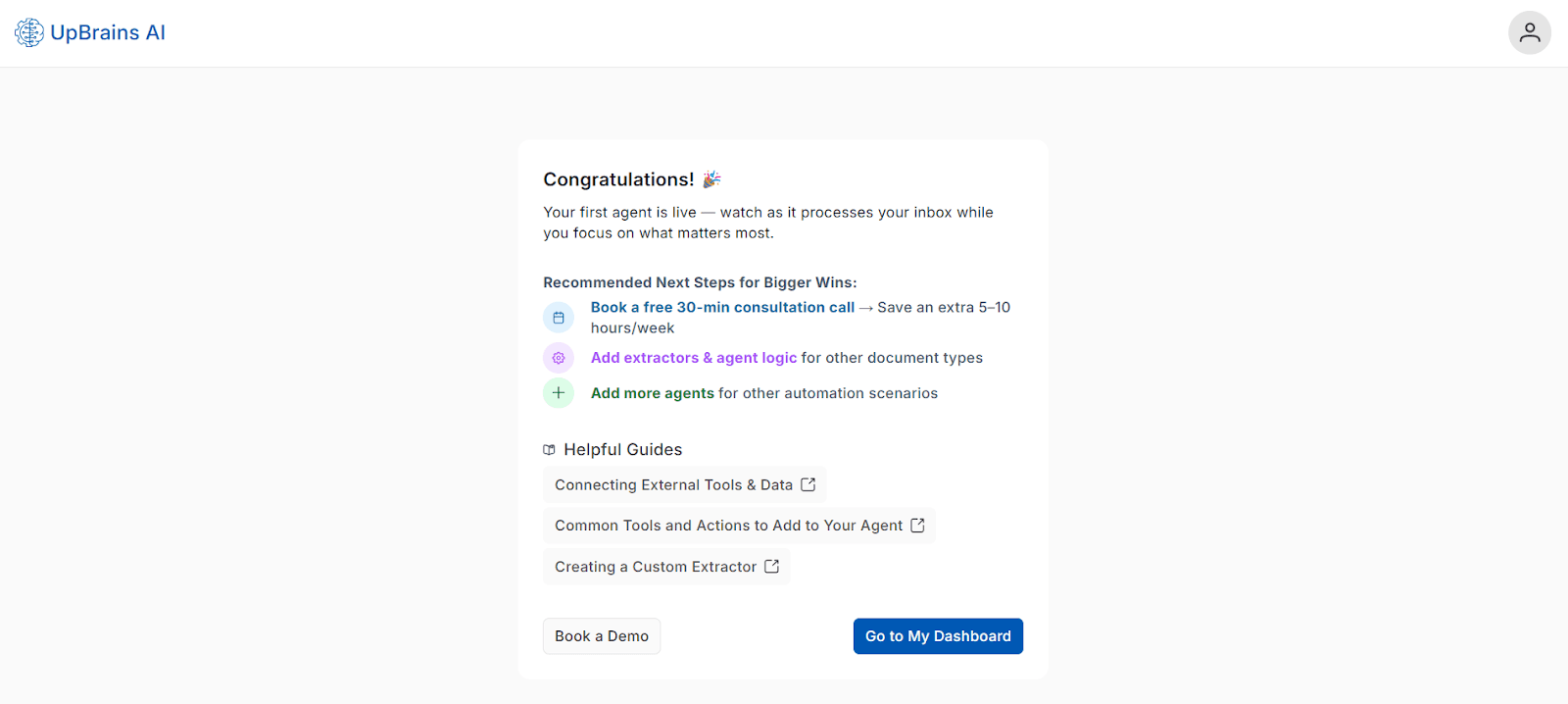
Helpful Guides
Pro Tip
Your dashboard gives you full visibility and control over:
All active agents
Extractor definitions under Tools -> Extractors
Extracted data under Operations Workspace -> Document Review if you have enabled Document Review.
Automation outcomes through Agents -> Sessions page.
This makes it easy to expand and optimize your automation workflows.
Go to My Dashboard
🚀 Click Go to My Dashboard to open your main Operations Dashboard.
Here, you can:
Monitor your agent in real time
Track automation outcomes
Explore new automation possibilities
Onboarding — Final Step and Dashboard Access
If you get to this page, it means the onboarding is completed and your AI agent flow is generated according to your selections., and has been published. Congratulations! Your first AI Agent is now live and will process incoming messages or triggers!
You are given a free trial subscription for 14 days! Feel free to explore the dashboard and test your AI agent by sending messages that will trigger your AI agent. As next step, we recommend booking a call with us to see how you can get more out of your trial period through the booking page at https://upbrains.ai/book
Recommended Next Steps
Book a free 30-min consultation call → Save 5–10 hours/week
Add extractors & agent logic for other document types
Add more agents for additional automation scenarios
Happy automating repetitive tasks!
Helpful Guides
Pro Tip
Your dashboard gives you full visibility and control over:
All active agents
Extractor definitions under Tools -> Extractors
Extracted data under Operations Workspace -> Document Review if you have enabled Document Review.
Automation outcomes through Agents -> Sessions page.
This makes it easy to expand and optimize your automation workflows.
Go to My Dashboard
🚀 Click Go to My Dashboard to open your main Operations Dashboard.
Here, you can:
Monitor your agent in real time
Track automation outcomes
Explore new automation possibilities
Connecting to Front